2D Acoustic LSRTM on Marmousi with Torch
Source file:
examples/LSRTM/2d/acoustic/torch/lsrtm.py
What This Example Does
This example runs 2D acoustic least-squares reverse time migration (LSRTM) on the Marmousi model.
The script:
- loads the true and smooth Marmousi velocity models
- generates observed scattered data with
Acoustic - builds an
AcousticLSRTMsolver on either the eager or CUDA backend - updates the reflectivity model
mpby matching predicted and observed scattered gathers
Main Components
The workflow is built from:
equation:Acoustic(...)for observed-data generationequation:AcousticLSRTM(...)for reflectivity inversionpropagator:PropTorch(...)wave: a Ricker waveletsources: surface sources sampled everysrc_stepreceivers: surface receivers sampled everyrec_stepmodels: the smooth velocity modelvpand the reflectivity modelmp
Prepare the Marmousi Model Files
This example reads:
examples/models/marmousi/true.npyexamples/models/marmousi/smooth.npy
Generate them from the official Elastic Marmousi archive before running LSRTM:
python3 examples/models/marmousi/download_marmousi.py --extract
python3 examples/models/marmousi/extract_model_segy.py
python3 examples/models/marmousi/convert_segy_to_npy.py
python3 examples/models/marmousi/prepare_fwi_models.py \
  --input examples/models/marmousi/npy/vp_1p25m.npy \
  --source-dh 1.25 \
  --target-dh 25.0 \
  --radii 8,8 \
  --passes 3
Backend Selection
Run the example with:
python3 examples/LSRTM/2d/acoustic/torch/lsrtm.py --backend eager
python3 examples/LSRTM/2d/acoustic/torch/lsrtm.py --backend cuda --cuda-memory full
The CUDA version also supports:
--cuda-memory bs--cuda-memory ckpt--cuda-memory recursive
Key Configuration
The script uses the shared Marmousi acoustic configuration and overrides a few LSRTM-specific settings.
Important defaults include:
fm=10.0: dominant frequency for the Ricker waveletnt,dt,dh: temporal and spatial sampling from the Marmousi shared configspatial_order=8abcn=20pml_type="cpmlr"source_type=["h1"]receiver_type=["sh1"]for the LSRTM solverlr_ref=0.01
Solver Setup
Observed scattered data is generated first with the acoustic equation:
acoustic_solver = PropTorch(
    Acoustic(...),
    ...,
    source_type=["h1"],
    receiver_type=["h1"],
)
The LSRTM inversion then uses:
lsrtm_solver = PropTorch(
    AcousticLSRTM(...),
    ...,
    source_type=["h1"],
    receiver_type=["sh1"],
)
The reflectivity model is initialized as zeros:
ref = torch.zeros_like(vp, requires_grad=True)
Observed Data Construction
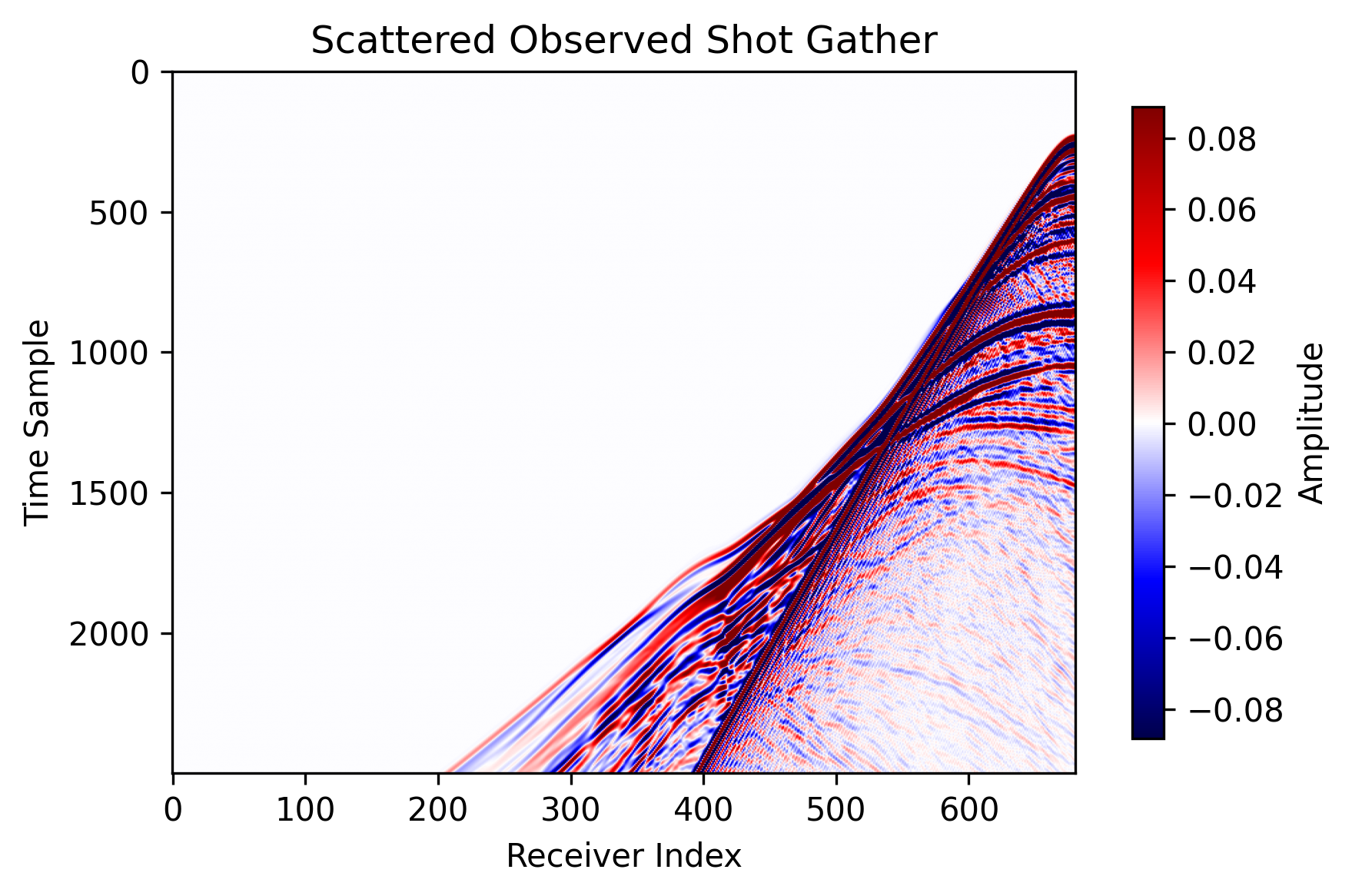
The script forms scattered observed data by subtracting the smooth-background response from the true-model response:
obs = Acoustic(true_model) - Acoustic(smooth_model)
This scattered data is then matched with the sh1 scattered field predicted by
AcousticLSRTM.
Outputs
The script writes results under:
examples/LSRTM/2d/acoustic/torch/acoustic_lsrtm_torch_<backend>_<memory>
For the CUDA full-memory run shown here, the output directory is:
examples/LSRTM/2d/acoustic/torch/acoustic_lsrtm_torch_cuda_full
Saved files include:
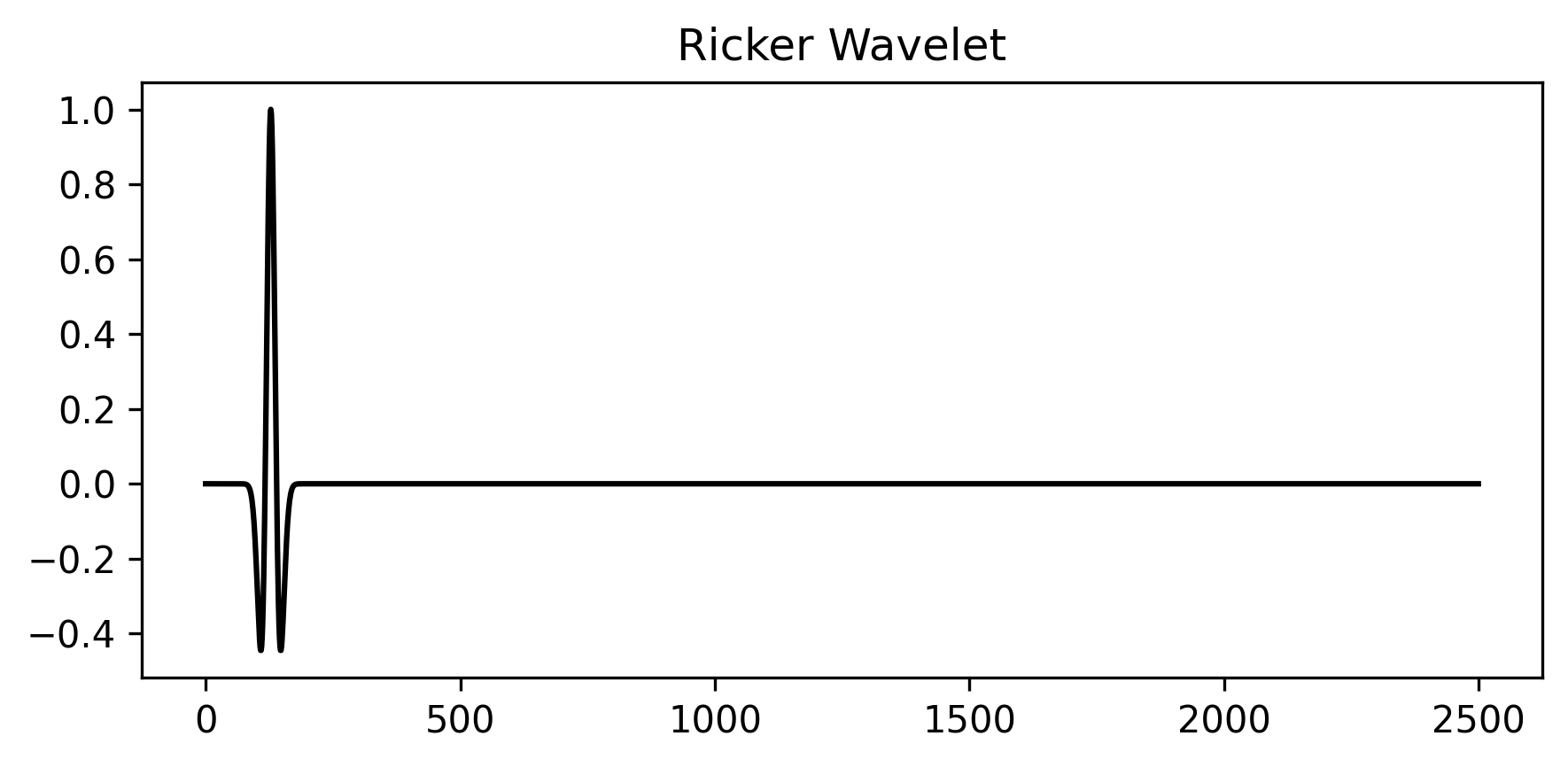
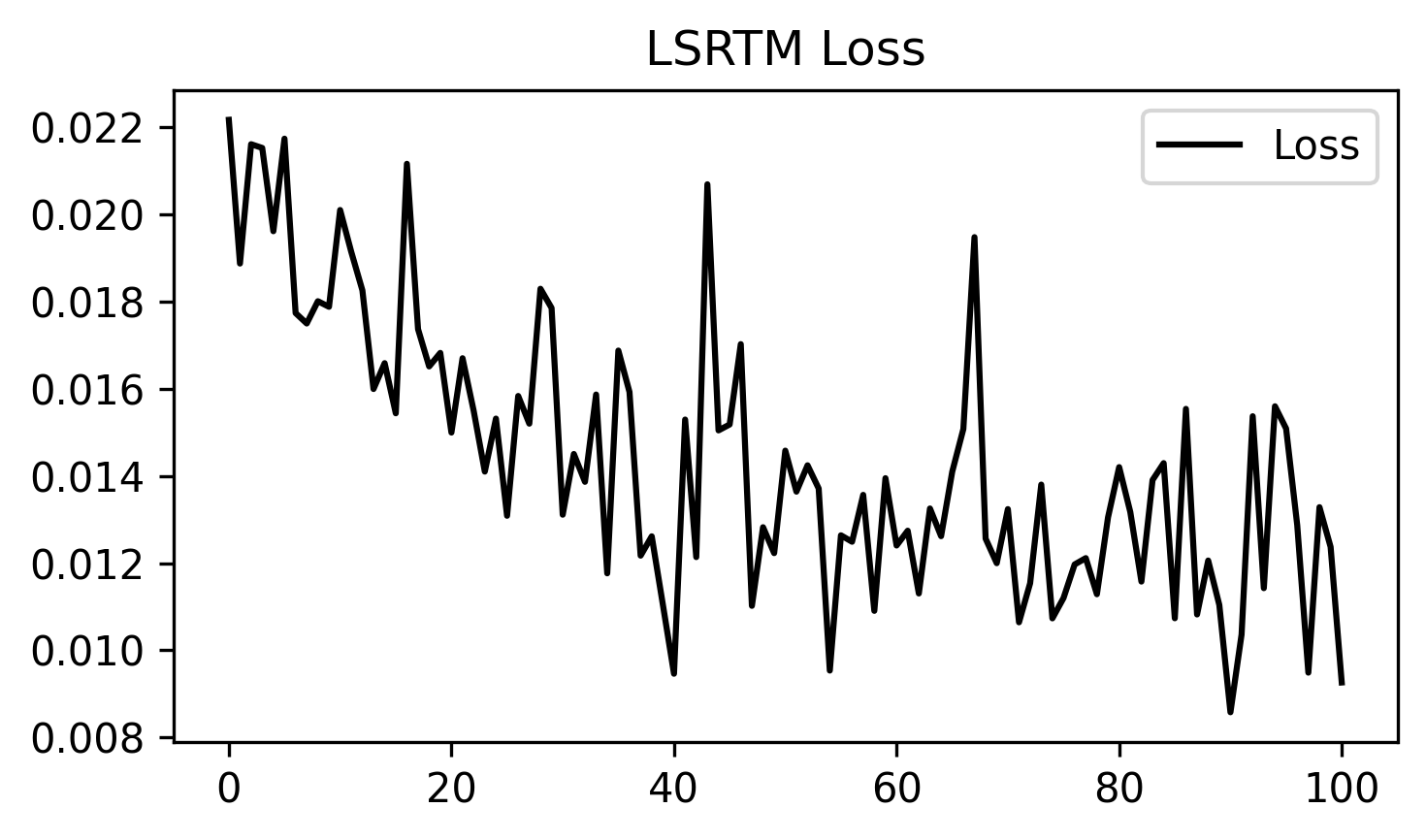
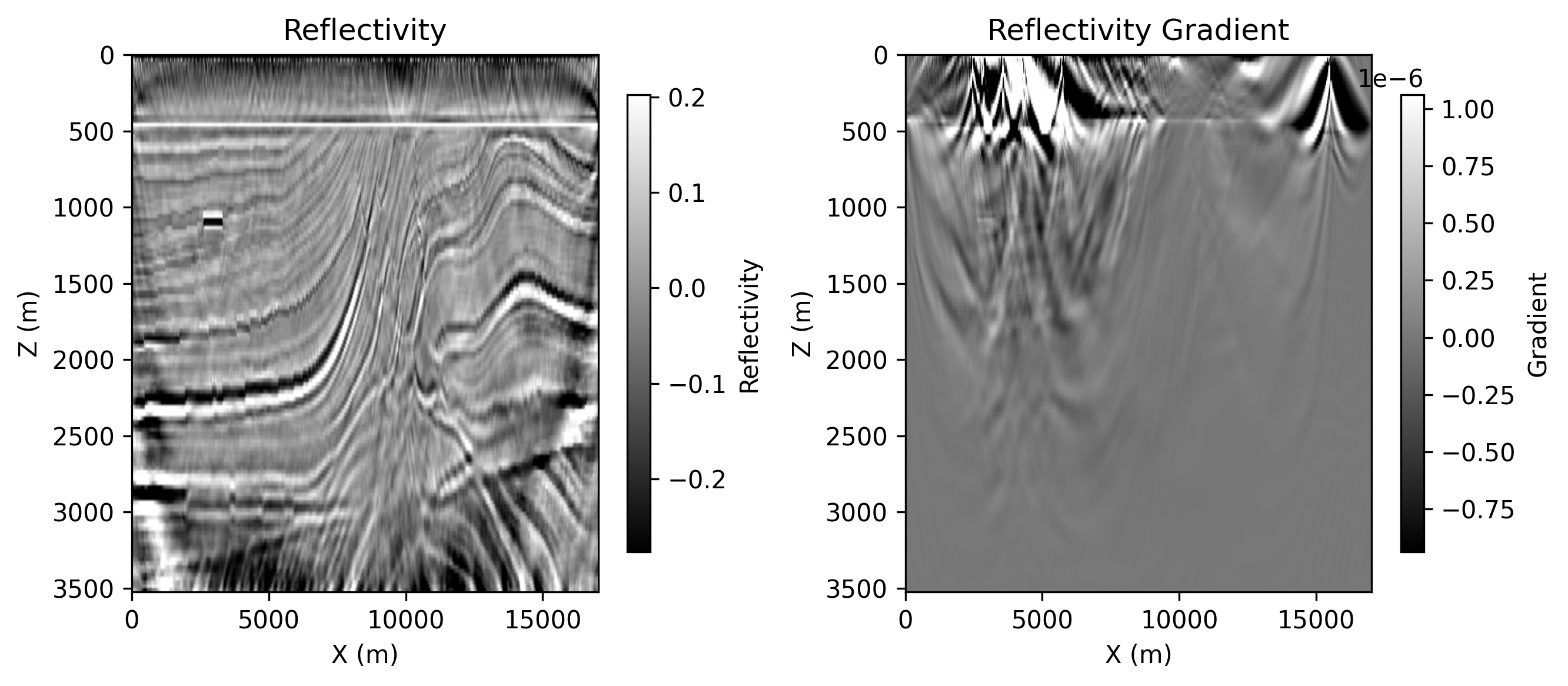
ricker.png: the source wavelet used by the runobserved_data.png: one scattered observed shot gatherloss.png: LSRTM data-misfit loss over iterationsepoch_XXXX.png: saved reflectivity and reflectivity-gradient panels
Example Figures
The following figures were copied from a completed CUDA full-memory run and
stored under docs/figures/examples/.
ricker.png: the Ricker wavelet used for the LSRTM example.
observed_data.png: the scattered observed shot gather used as the inversion target.
loss.png: the LSRTM loss curve across optimization steps.
epoch_0100.png: the saved panel at epoch 100, showing the migrated reflectivity
and the current reflectivity gradient.
Running the Example
Step 1. Prepare the Marmousi .npy files listed above if they do not already
exist.
Step 2. Choose the backend and memory mode you want to test.
python3 examples/LSRTM/2d/acoustic/torch/lsrtm.py --backend eager
python3 examples/LSRTM/2d/acoustic/torch/lsrtm.py --backend cuda --cuda-memory full
Step 3. Check the output directory for the saved wavelet, observed data, loss, and epoch figures.
Notes:
- the eager path runs through
PropTorch(..., backend="eager") - the CUDA path requires a CUDA-capable PyTorch build and the compiled CUDA extension
- different CUDA memory modes trade runtime for peak memory usage